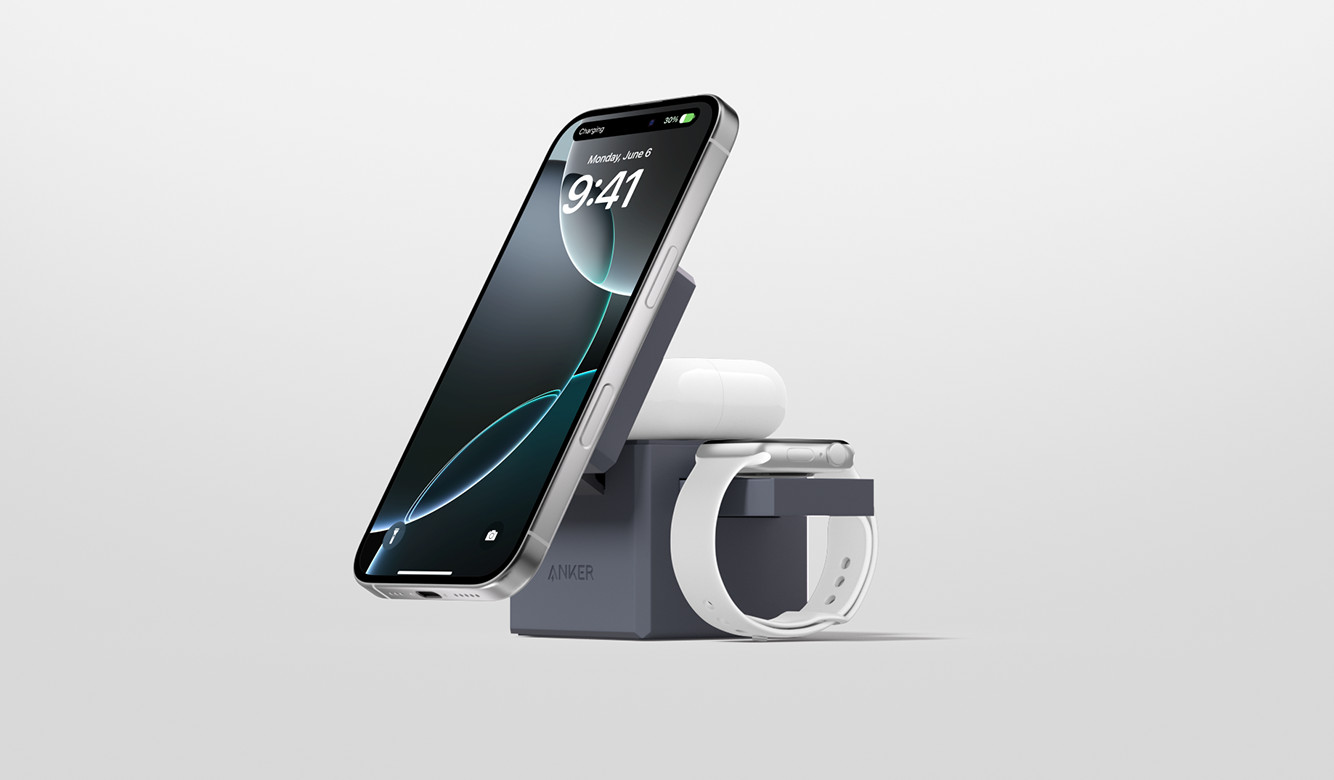
Wireless charging in 2026 is convenient enough that it’s easy to use it the wrong way: you drop the phone on a pad, assume it’s “safe by default,” and then wonder why it’s warm, why charging speed jumps up and down, or why the battery seems to age faster than expected. The truth is that wireless charging is less efficient than a good cable, and that inefficiency becomes heat. Heat is the enemy of stable speed and long-term battery health. The good news is that most wireless charging problems are mechanical and behavioral, not mysterious. When you fix alignment, reduce resistive losses from thick cases, and choose sane charging speeds, the phone runs cooler and charging becomes predictable. The second half is settings: modern phones offer battery-protection features like optimized charging, charge limits, and scheduled charging behavior. These are useful, but only when they match how you actually charge. The 2026 lifehack is to build a reliable “wireless setup” you can trust at your desk or bedside: stable placement, good airflow, reasonable wattage, and system settings that prevent your phone from sitting hot at 100% all night.
Choose the right pad and speed: “fast” isn’t always better for your real routine
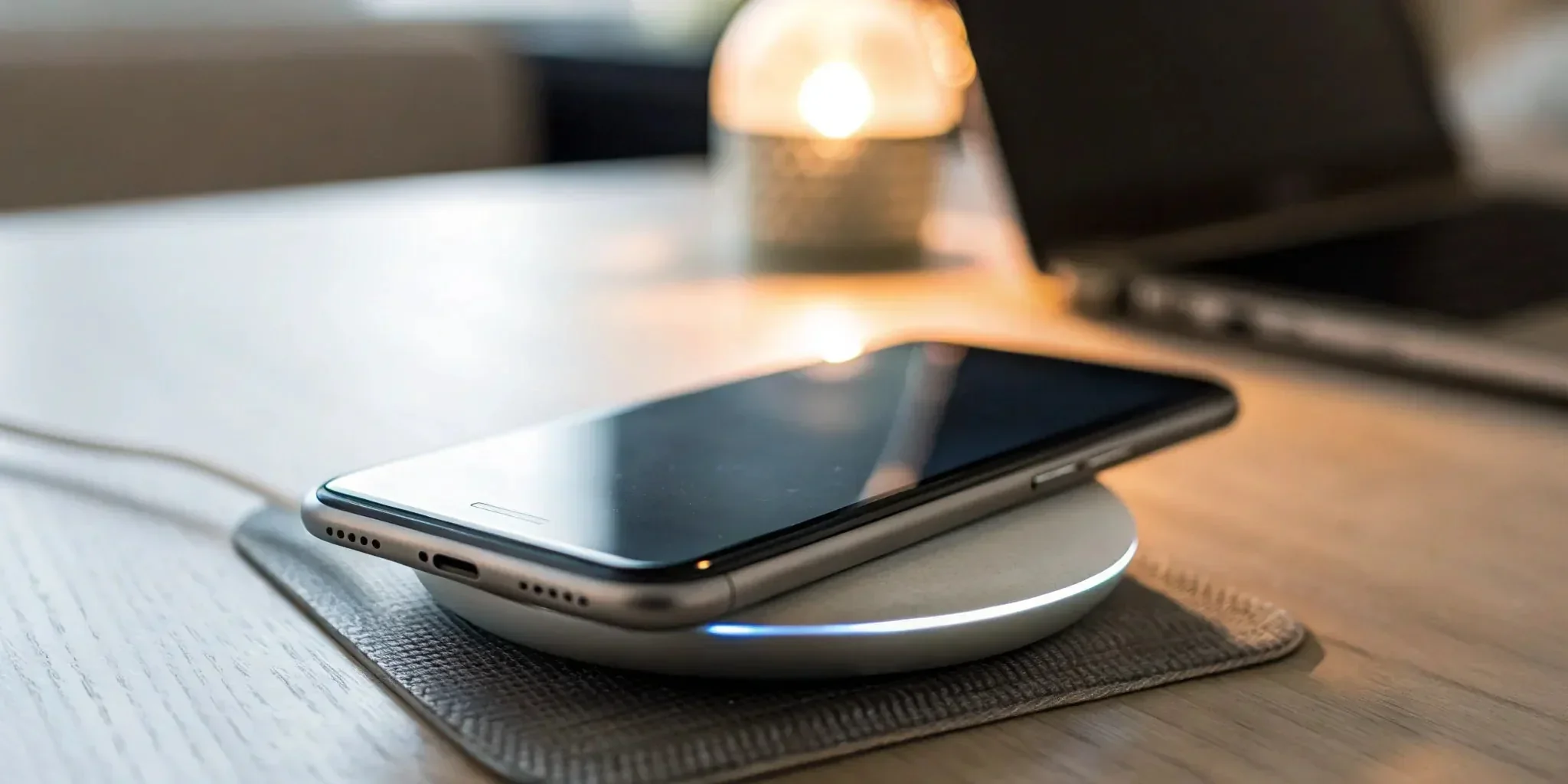
Most people buy a wireless charger based on the biggest number on the box, but speed is only one variable. Higher wattage can mean higher heat, especially if the pad is small, the phone is misaligned, or you’re charging through a thick case. If your goal is overnight charging, a slower, steadier pad can actually be better: it finishes before you wake up and does it with less heat and less power cycling. If your goal is daytime top-ups, moderate fast charging can be useful, but you still want stability. The key lifehack is to treat wireless charging like two modes: “cool overnight” and “quick desk boost.” For overnight, choose a standard, reputable wireless pad that doesn’t push maximum power constantly and that has good thermal management. For desk boosts, pick a fast pad that is designed to match your phone’s supported fast wireless protocol, because mismatched standards often cause speed pulsing and extra heat. Avoid ultra-cheap pads with vague power claims, because their coils and temperature control are often poor, leading to hot spots. Also pay attention to form factor: stands can help with airflow and consistent alignment, while flat pads are easier to misplace the phone on. A stable charger is one that delivers a consistent, moderate power level without constantly ramping up and down, because those oscillations are usually a sign of misalignment, heat throttling, or poor negotiation.
Perfect alignment and reduce resistance: case thickness, magnets, and placement habits
Alignment is the #1 reason wireless charging gets hot and slow. Wireless charging relies on coil-to-coil coupling, and if the coils aren’t lined up, the system compensates by pushing harder, generating more heat while delivering less usable power. The lifehack is to make alignment automatic. If you use a stand, position it so your phone lands in the same spot every time. If you use a flat pad, mark the sweet spot mentally or physically, or choose a pad with a grippy surface that “holds” the phone in place. Case thickness matters more than most people think. Thick cases, metal plates, or bulky wallet attachments increase the distance between coils and disrupt coupling, which increases heat. If you care about wireless charging, use a case that explicitly supports it and avoid extra layers between phone and pad. Magnets can help alignment when they’re designed for it, but random magnetic rings and third-party attachments can also create spacing or heat issues if they don’t match your phone’s coil placement. Another overlooked factor is what you do while charging. If you game, use navigation, or run a hot camera app while on a wireless pad, you’re stacking heat sources: processor heat plus charging heat. That’s the fastest way to trigger throttling and unstable speed. A simple habit that works is “charge in idle”: if you need to do something heavy, pick up the phone or use a cable for that session. Wireless charging is best when the phone can rest, cool, and charge steadily.
Control overheating with environment: airflow, surfaces, and “no heat traps” rules
Wireless charging pads don’t just heat the phone—they also heat themselves. If you put a pad on a soft surface like a bed, couch, or thick fabric, you trap heat in both directions. The lifehack is to give your charger a proper home: a hard surface with airflow and minimal clutter. Keep the pad away from direct sunlight, radiators, and places where it’s sandwiched by objects. If you use a stand, make sure the back of the phone isn’t pressed against a warm wall or a stack of items. If you notice warmth, remove the simplest heat amplifiers first: take off the case temporarily, reposition the phone to center alignment, and move the pad to a cooler surface. Another practical trick is to avoid charging from a high-heat power source. Some cheap USB adapters run hot themselves, and that heat transfers to the pad. Use a reputable adapter that can deliver stable power without overheating. If your phone repeatedly heats and slows down, that’s usually the device protecting itself—good behavior—but it means your setup is inefficient. Fixing the setup matters because repeated high-heat cycles are more harmful than the occasional warm charge. You’re aiming for “warm but not hot.” If the phone is uncomfortable to hold or the pad is noticeably hot to the touch, treat that as a signal to reduce speed, improve alignment, or change the pad.
Battery-friendly settings that actually help: optimized charging, limits, and routine tuning
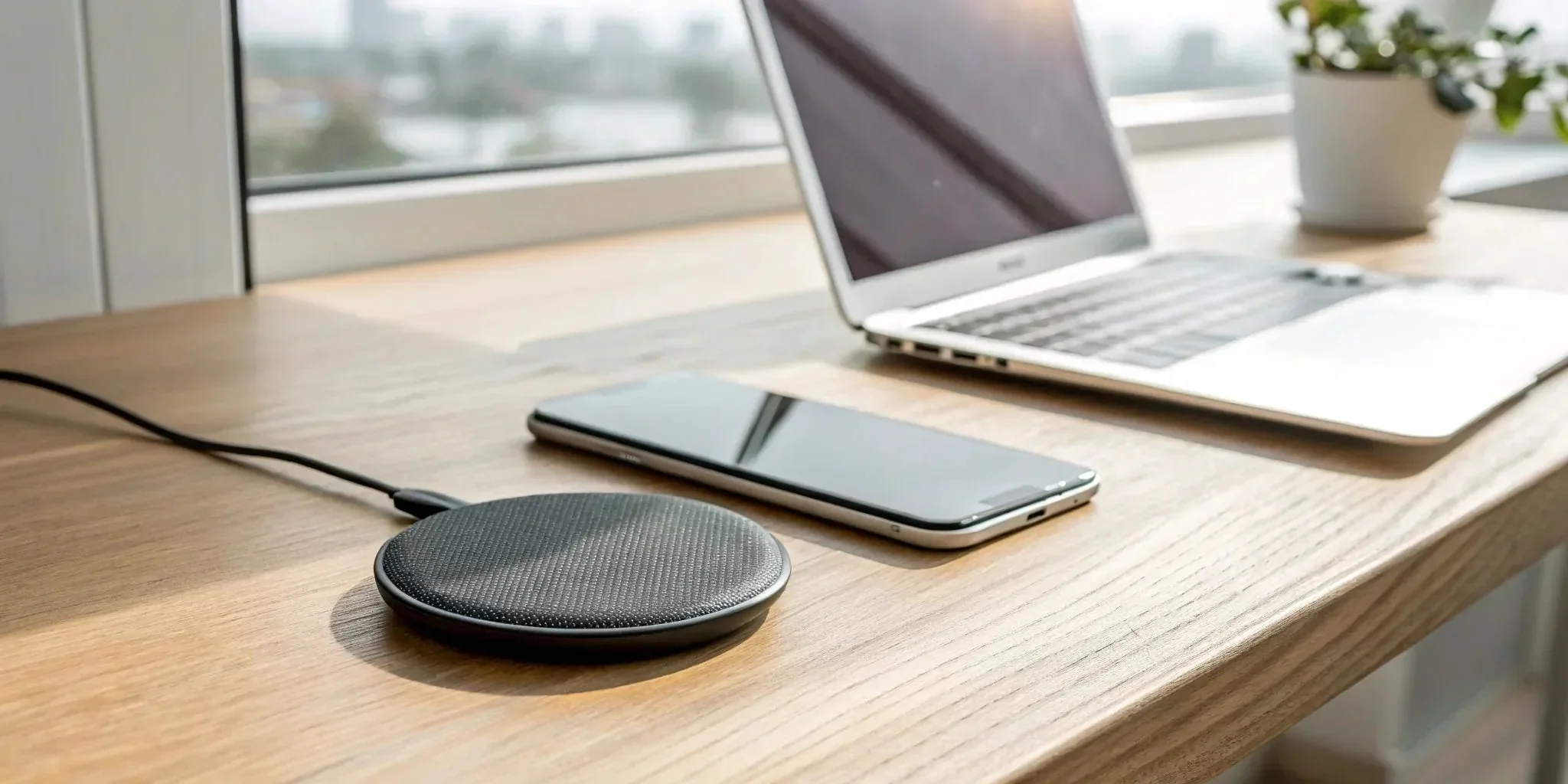
Software settings can reduce battery stress, but only if they match your charging habits. Many phones offer optimized charging that learns your schedule and delays charging to 100% until near your wake time. This can be especially useful with wireless charging because it reduces the time your phone sits at full charge while warm. The lifehack is to turn it on and then give it a stable routine for a week or two, because these systems often need consistency to work well. If your phone offers a charge limit (like 80% or 85%), that can be even better for battery longevity, but it’s only practical if you don’t need full capacity every day. A good compromise is using the limit on normal days and disabling it before travel or long days. Also manage “background heat.” If your phone does cloud backups, photo syncing, or app updates overnight, those background tasks can create extra heat while charging. Scheduling heavy sync for times when the phone isn’t charging wirelessly—or using a slower pad overnight—can improve both temperature and consistency. Finally, validate your setup with a quick real-world check: charge from a low battery level for 15–20 minutes, then note whether the speed feels steady and whether the phone stays only mildly warm. If it ramps up, gets hot, then slows dramatically, that’s a setup issue, not a battery issue. When you combine sensible pad speed, reliable alignment, good airflow, and optimized charging settings, wireless charging becomes what it’s supposed to be: convenient, predictable, and gentle enough to use daily without cooking your battery.
Leave a Reply